

Refine a Jira backlog without leaving the session.
An example for a team whose backlog lives in Jira: search it with JQL, estimate what comes back, and send each final estimate home.
The steps
Connect Jira once
Connect Jira Cloud with an API token, or Jira Server and Data Center with a personal access token. Instances behind a private certificate authority are supported.
Search with JQL, import in bulk
Run the same query you use for refinement and import the matching tickets into a draft session. Edit titles, drop tickets, or add a few by hand.
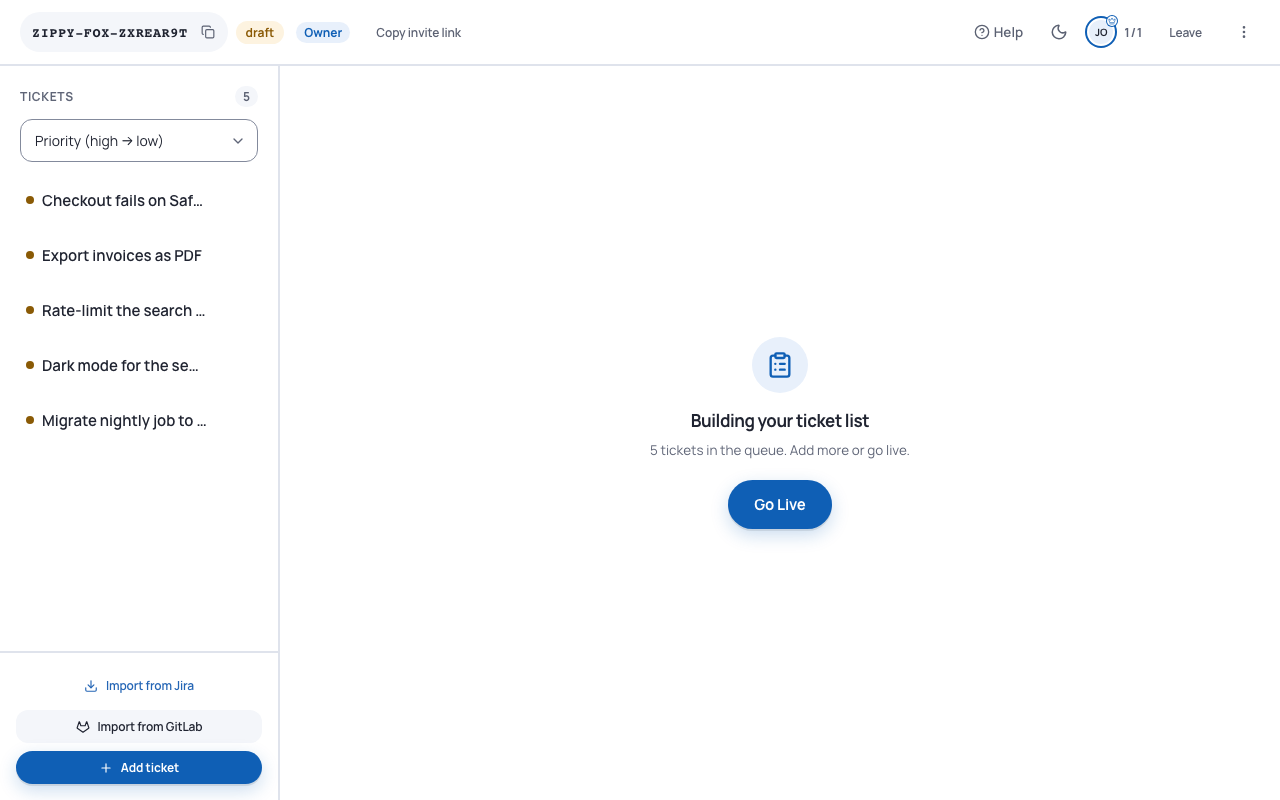
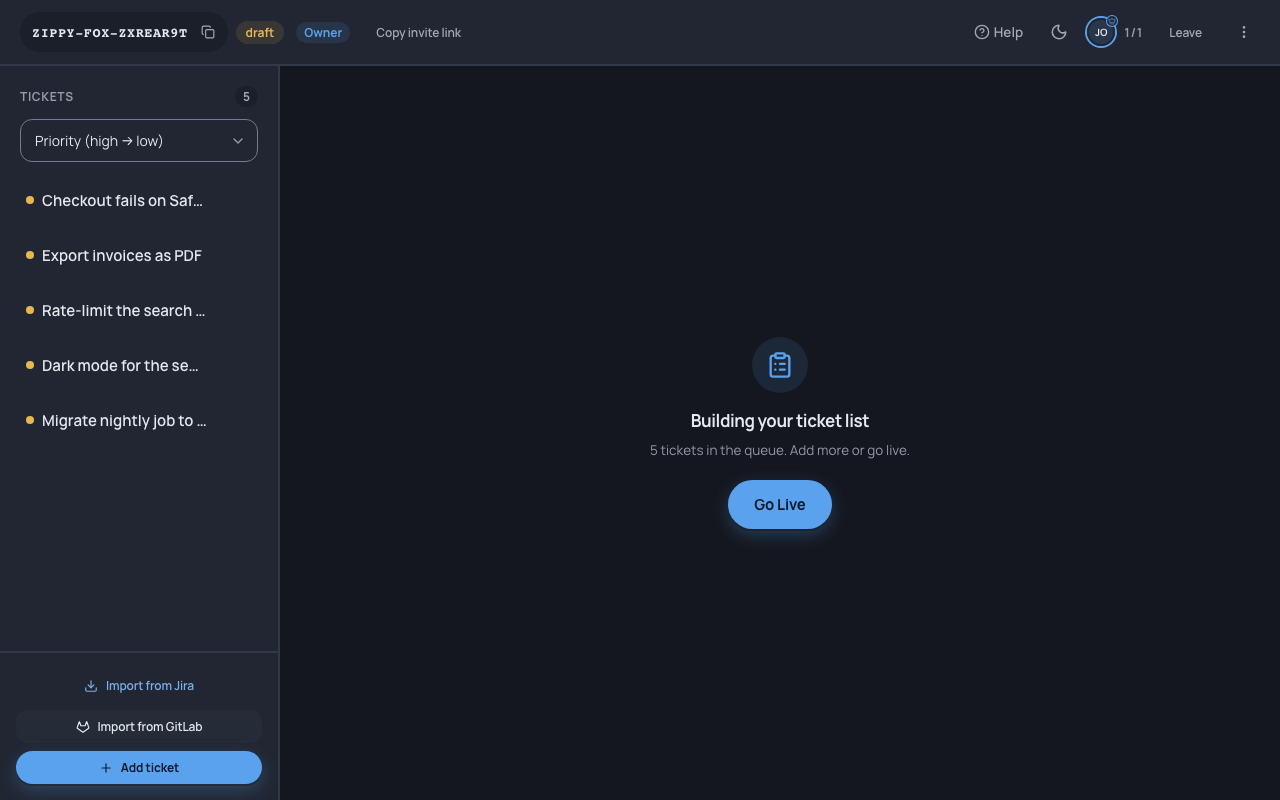
Import from Jira or GitLab inside a session. Estimate on the scale you already use
Pick Fibonacci, T-shirt sizes, hours or your own values. Teams that would rather not argue about numbers can place tickets relative to each other on a swimlane board.
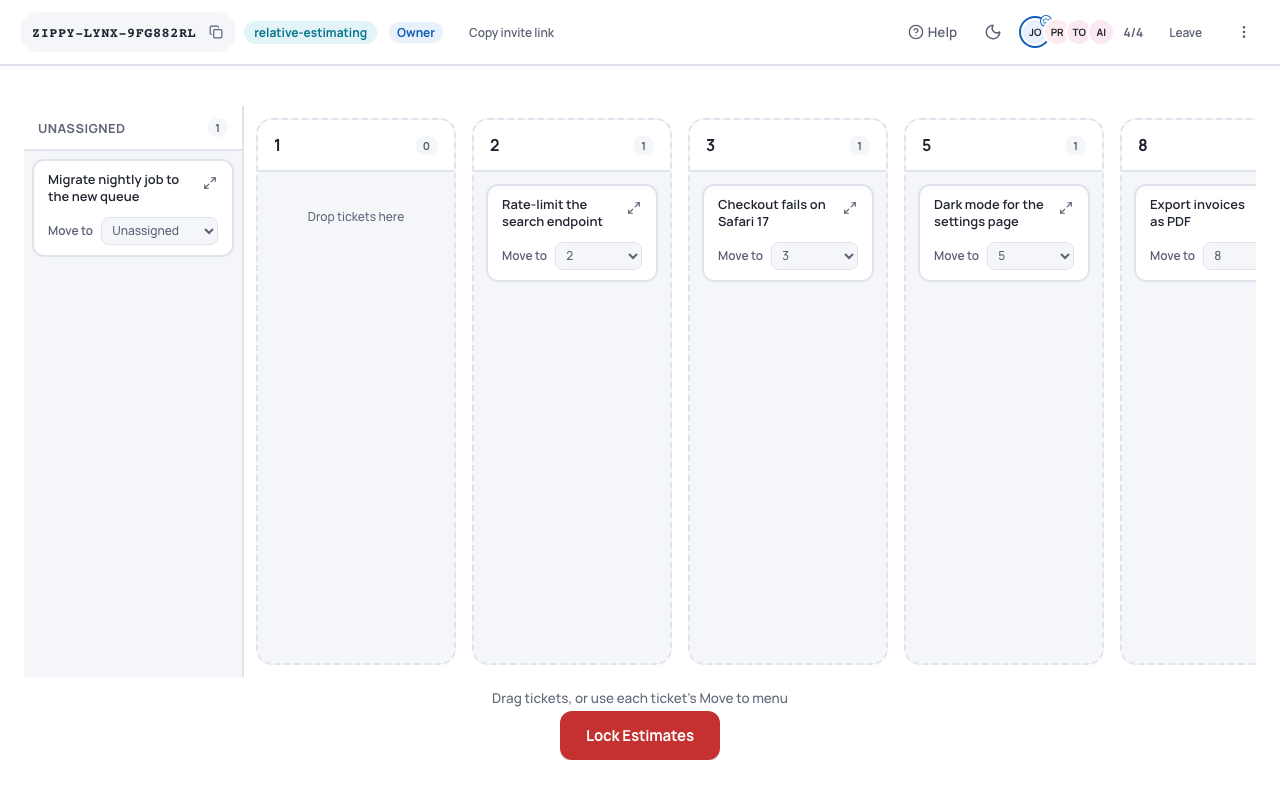
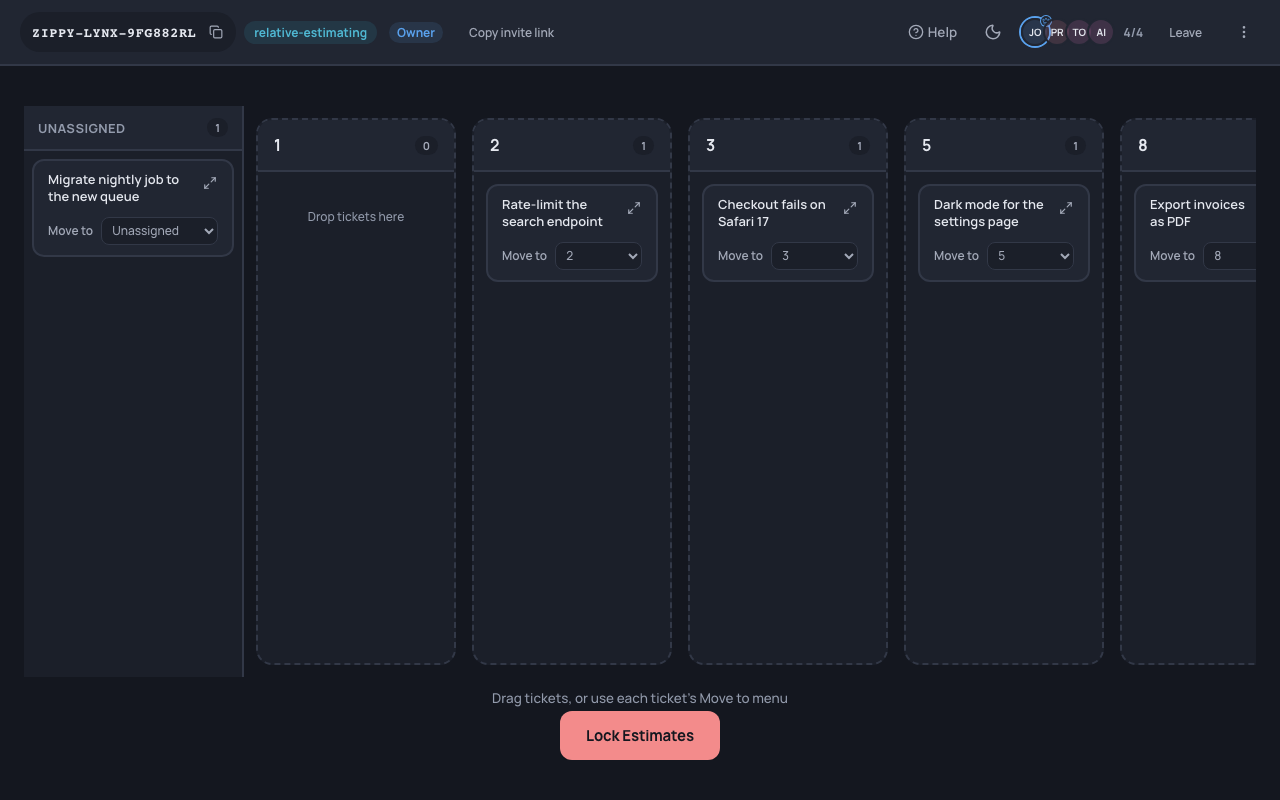
Relative sizing on the shared board. Finalise: the estimate goes back to Jira
When a ticket is finalised, only the final value is written back to Jira. Votes and comments stay in the session. GitLab teams get the same flow with GitLab issues.
The result
A refined backlog where every estimate is on the ticket, with no copy-and-paste step.